On this page
All guides
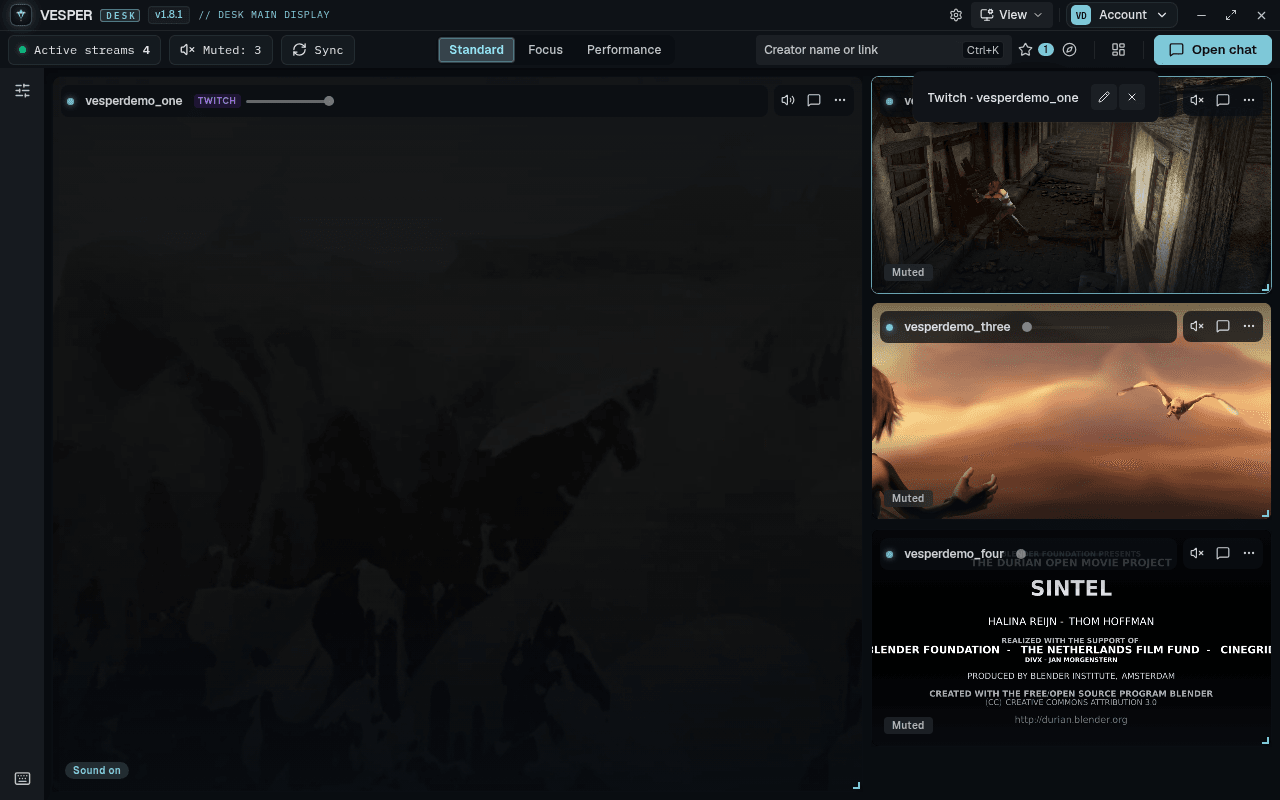
Save a channel
- Step 1:
On a tile, open More and choose Star save.
- Step 2:
Click Saved ★ in the toolbar to see your saved channels and add one back to the desk with a click.
Live alerts for saved streams (Settings) shows a note when a saved Twitch channel goes live. It needs Login to Twitch.
Discover live channels
- Step 1:
Click Discover in the toolbar.
- Step 2:
Pick a platform tab: Twitch, Kick or YouTube.
- Step 3:
Search for a channel or game, or pick a category to see who is live in it, then add a channel to the desk.
Following lists the Twitch channels you follow once you Login to Twitch. Kick and YouTube tabs need Sign in to Vesper.